Sale Price:
€29.99
Original Price:
€44.99
Love the look of Leica Looks but want to keep the flexibility of shooting RAW?
Now you can recreate the Leica Looks in Adobe Lightroom while retaining the full editing flexibility of your RAW files.
This collection currently includes 19 Leica Looks:
Brass, Teal, Chrome, Classic, Contemporary, Eternal, Cine, Pure, Bleach, Silver, Greg Williams, Sepia, Selenium, Blue, Standard, Natural, Vivid, Monochrome, and Monochrome HC.
When new Looks are released or existing Looks are refined, you’ll receive the updates free of charge.
The included color profiles are designed to work with RAW files only. They can be used with Adobe Camera Raw, Lightroom Classic, Lightroom, and the Lightroom mobile app.
To use the profiles in Lightroom and Lightroom mobile, you’ll first need to install them through Lightroom Classic. Please follow the included PDF installation guide for detailed instructions.
The Looks are compatible with all Leica cameras equipped with a color sensor. They also work with RAW files from many other camera manufacturers, allowing you to apply these Leica-inspired Looks to images captured with other camera systems.
Compatible with:
- Adobe Camera Raw 10.3 (April 2018) or newer
- Lightroom Classic CC 7.3 (April 2018) or newer
- Lightroom CC (April 2018 update) or newer
- Lightroom Mobile for iOS 3.2 or newer
- Lightroom Mobile for Android 3.4 or newer
The color profiles require these versions or newer.
After downloading, unzip the folder and follow the step-by-step instructions in the included PDF installation guide.
Love the look of Leica Looks but want to keep the flexibility of shooting RAW?
Now you can recreate the Leica Looks in Adobe Lightroom while retaining the full editing flexibility of your RAW files.
This collection currently includes 19 Leica Looks:
Brass, Teal, Chrome, Classic, Contemporary, Eternal, Cine, Pure, Bleach, Silver, Greg Williams, Sepia, Selenium, Blue, Standard, Natural, Vivid, Monochrome, and Monochrome HC.
When new Looks are released or existing Looks are refined, you’ll receive the updates free of charge.
The included color profiles are designed to work with RAW files only. They can be used with Adobe Camera Raw, Lightroom Classic, Lightroom, and the Lightroom mobile app.
To use the profiles in Lightroom and Lightroom mobile, you’ll first need to install them through Lightroom Classic. Please follow the included PDF installation guide for detailed instructions.
The Looks are compatible with all Leica cameras equipped with a color sensor. They also work with RAW files from many other camera manufacturers, allowing you to apply these Leica-inspired Looks to images captured with other camera systems.
Compatible with:
- Adobe Camera Raw 10.3 (April 2018) or newer
- Lightroom Classic CC 7.3 (April 2018) or newer
- Lightroom CC (April 2018 update) or newer
- Lightroom Mobile for iOS 3.2 or newer
- Lightroom Mobile for Android 3.4 or newer
The color profiles require these versions or newer.
After downloading, unzip the folder and follow the step-by-step instructions in the included PDF installation guide.
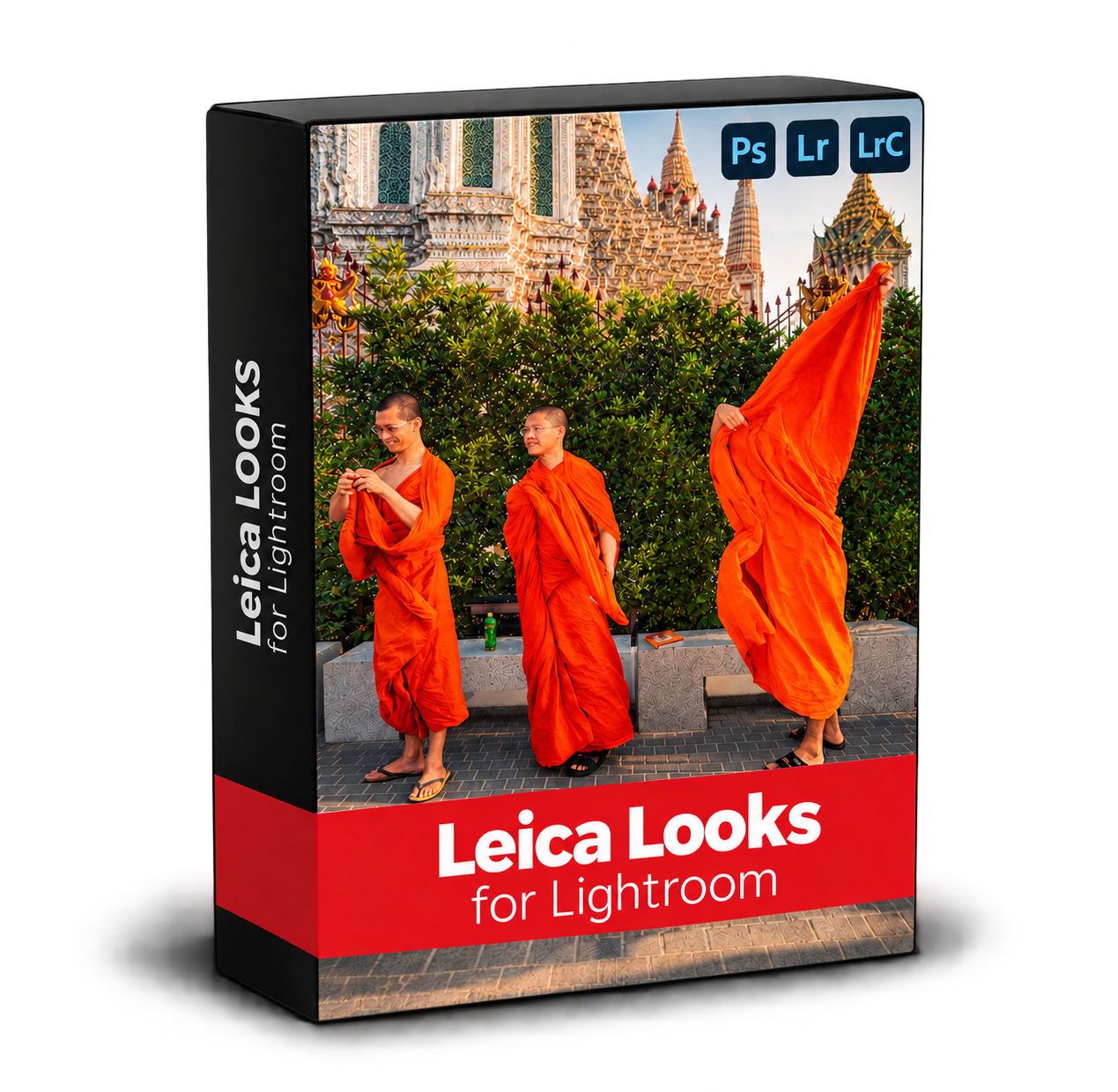 Image 1 of 13
 Image 2 of 13
 Image 3 of 13
 Image 4 of 13
 Image 5 of 13
 Image 6 of 13
 Image 7 of 13
 Image 8 of 13
 Image 9 of 13
 Image 10 of 13
 Image 11 of 13
 Image 12 of 13
 Image 13 of 13